01
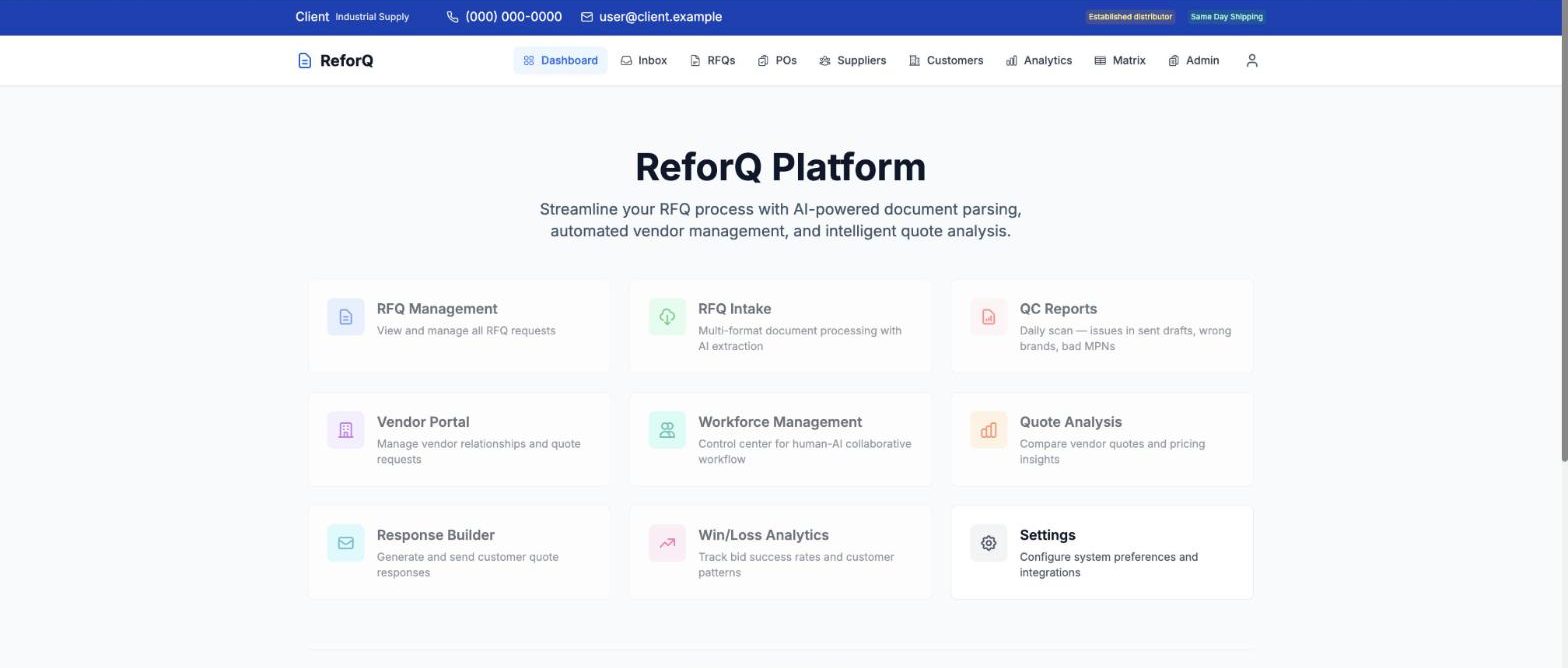
Quotes and customer orders
Reads customer emails, drafts priced replies, and pre-fills sales orders for a person to check.
I'm Robert Sher. I build automation for distributors and product businesses, and I show the checks that prove it works before anyone relies on it.

Each page says what the problem was, what was built, what was measured, and how we would start with you.
From order entry to shipping to billing. Orders from marketplaces and EDI partners are entered, acknowledged, shipped and invoiced, with a person reviewing the exceptions.
Read moreFrom order reporting to costing to the vendor purchase order, sent by web order or XML. The purchaser approves each line.
Read moreCustomer quote requests are read from email, priced from supplier systems and drafted as a reply. A buyer approves before it is sent.
Read moreA large catalogue sold online, updated automatically from the price and stock files your suppliers already send.
Read moreOne controlled doorway into your legacy ERP, so new tools can read and write without touching it directly.
Read moreReceive, pick and count on handheld scanners, with every shelf barcoded, so the system and the shelf agree.
Read moreSells more components by modifying parts to fit, such as boring a sprocket to a set diameter. Hours are tracked per job, so the service is priced right and its profit is known.
Page coming.
A wrong or damaged shipment is tracked from the request to the credit, across sales, the warehouse and accounting, so the customer is made whole.
Page coming.
Describe the job and get the right parts, with specs, catalog data and pricing. It connects to manufacturer motor configurators for a complete materials list.
Page coming.
We publish a number only when we can show where it came from. More will appear as they are measured.
I built the applications that run one loop for an industrial distributor. People review, decide and approve; the systems do the typing, the checking and the filing.
An order moves left to right through the same five stations, one person at each who reviews and approves.
Inside Sales. Customer emails are read, priced and drafted for a person to review. Emailed purchase orders land in one queue, and fields are pre-filled and checked before a sales order is created in the ERP.
What you get: quotes and orders in without retyping.
Purchasing. Every line that needs buying in one place. Stock and customer demand flow into purchase orders, with a record of which vendors, which lines were kept or dropped, and what the ERP did with each.
What you get: nothing that needs buying is missed, and every decision leaves a record.
Sales and Purchasing. Open vendor purchase orders, items and open sales orders, searchable live from the ERP, with a backorder view for orders not yet invoiced.
What you get: anyone can find where an order is without chasing purchasing.
Warehouse. A scanner app for receiving, picking and counting. Each shelf location carries a barcode, and cycle-count variances go to a manager for approval.
What you get: every item has a place, and the count matches the shelf.
Warehouse and Accounting. Picks are checked against the order by scanning. Scanned shipping documents and check stubs are matched to their orders and filed, and anything unmatched is flagged.
What you get: the right order ships, and the paperwork files itself.
Customers search and buy online around the clock without a phone call, and EDI purchase orders from marketplace partners are acknowledged and entered into the ERP.
Eight applications on one platform, all built in house against a legacy ERP: quotes and customer orders with document scanning; live ERP search and stock-order suggestions; an online store; an EDI platform; a machining-job tracker; a returns tracker; a warehouse scanner; and a product-knowledge assistant.
You decide who you want to reach and how much to spend. The agent does the work. A person approves every public post and every spend decision. This is the service I am building now, with the agent already doing the setup and scheduling work across five platforms.
Targeted outreach to the accounts and territories your sales team names, where you already have a reputation to convert. It feeds the counter and the inside-sales desk warmer accounts. Sales names the customers, regions and trending markets; the agent builds the targeting, tracking and attribution behind it.
Search and marketplace visibility for products buyers cannot find you for today. Driven by search demand and catalog data, so it is measurable per dollar and per category from the first month.
Prep: months of groundwork before the first dollar: markets, copy variants, tracking. Break-out test: the only small early spend, many copies across many markets. Spend on: full budget behind the winners. A safe ladder proves each step before funding the next; a growth ladder tests many markets at once. The share of sales is set with you, not assumed.
Every post and every spend step is approved by a person. Anything that touches an account agreement, such as terms, consent or payment, is clicked by a person. In a recent run the agent made 369 of 378 actions and a person made the other 9 decisions, working through a tool that shows every click and keystroke as it happens.
Eight applications I built for an industrial distributor, plus the document scanner that sits inside the first, and a smaller tool built along the way. Shown without client names, prices or contact details; where a real screen could identify the client, none is shown.
Reads customer emails, drafts priced replies, and pre-fills sales orders for a person to check.
Live search across the legacy ERP: stock-order suggestions, open vendor orders and backorders.
A headless store on a large catalogue, with live availability and card checkout, fed by supplier price files.
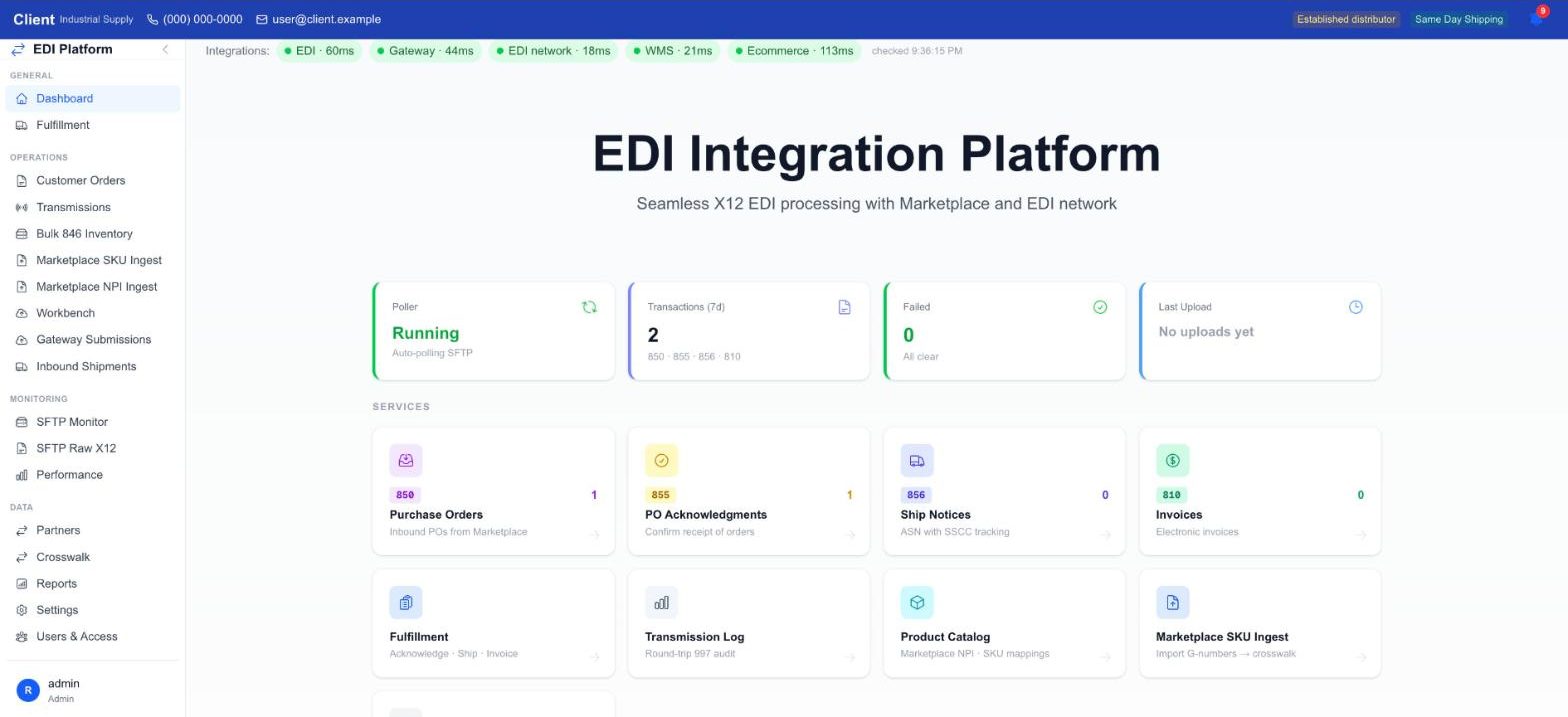
Orders, acknowledgements, ship notices and invoices exchanged with marketplace partners.
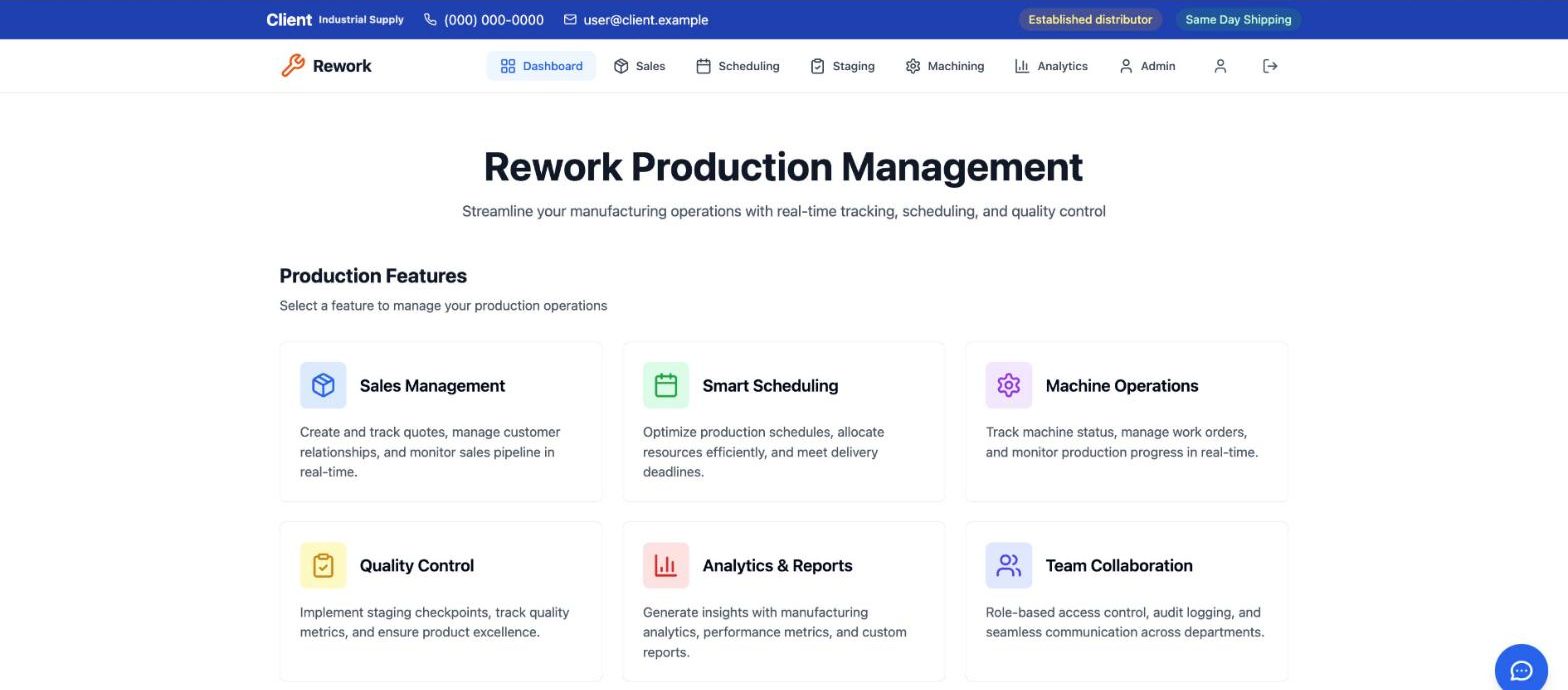
Machining jobs with hours tracked, so the service can be priced and its profit measured.
A wrong or damaged shipment followed from request to credit, across sales, the warehouse and accounting.
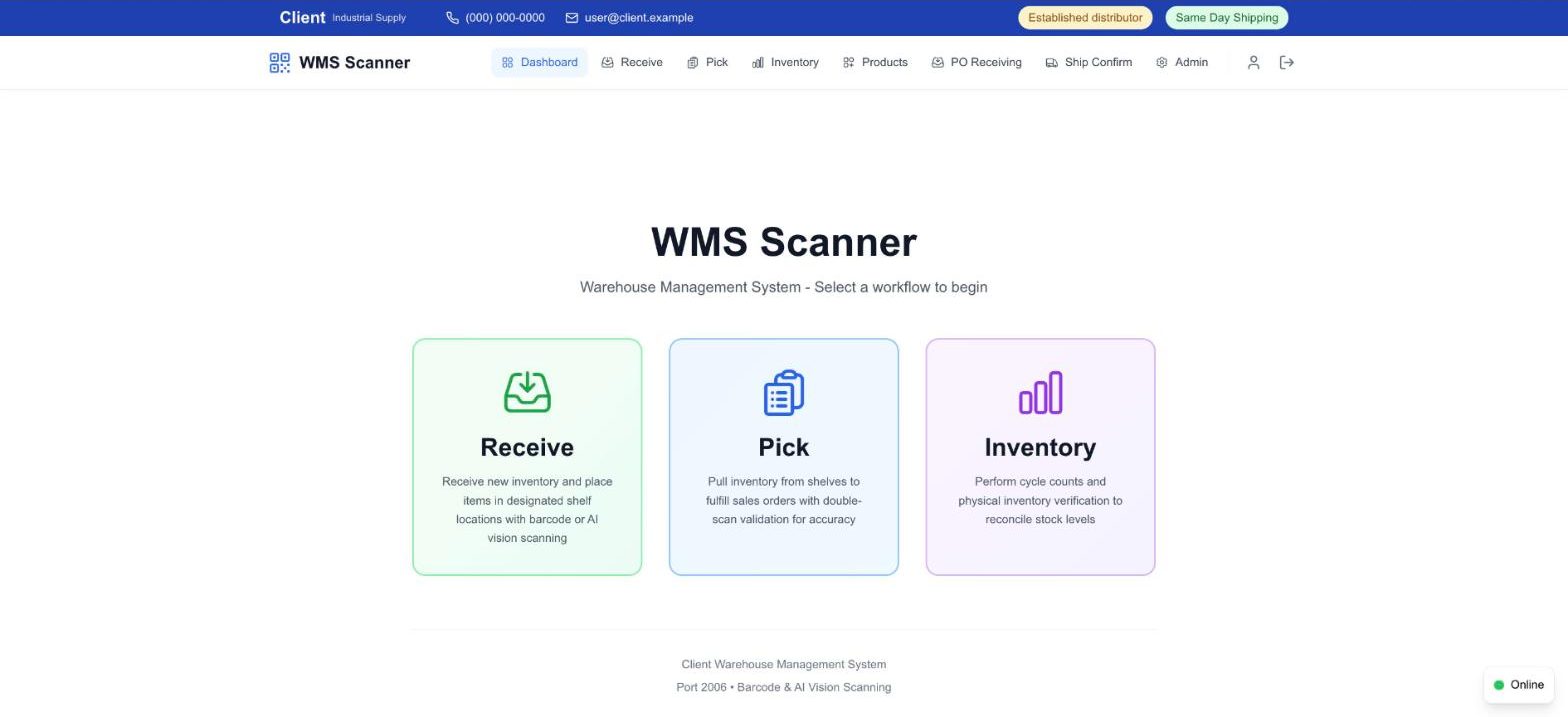
Receive, pick and count on handheld scanners, with each shelf barcoded.
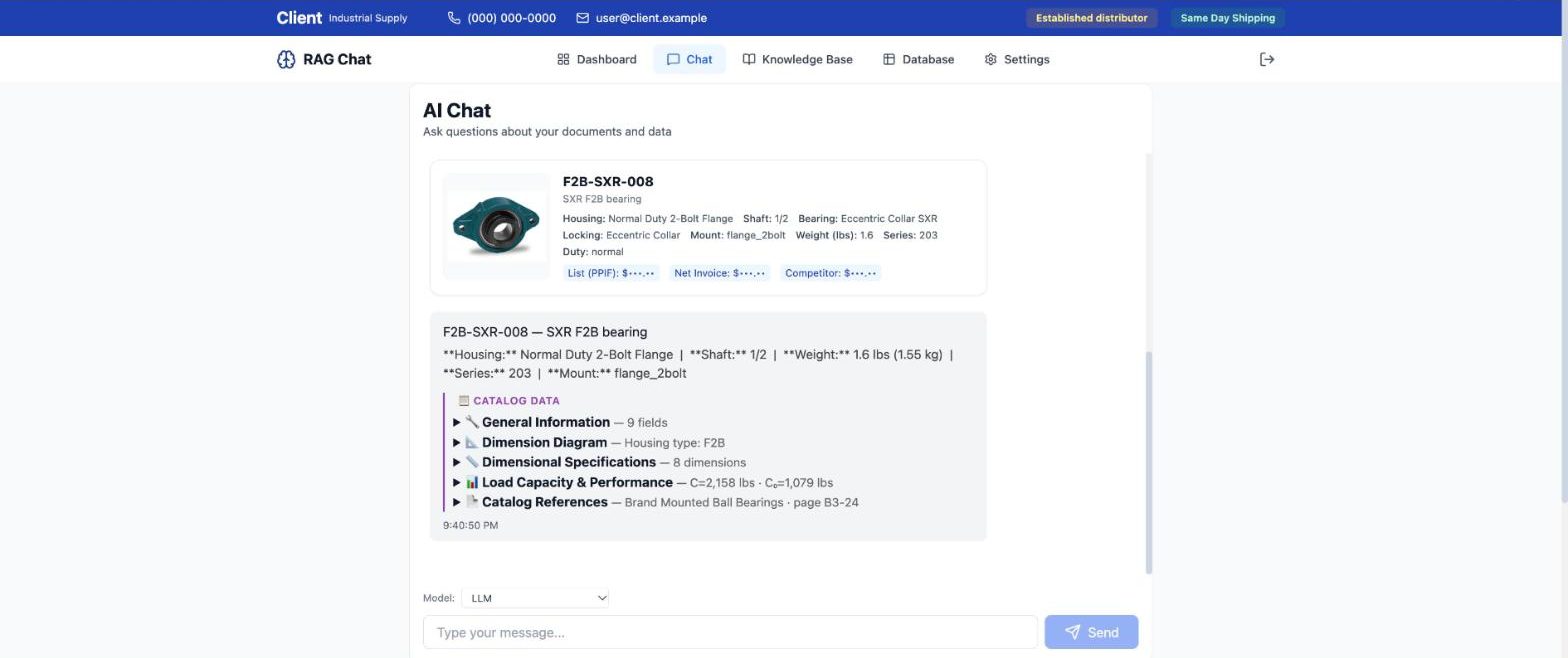
Plain-language questions answered with specs, catalog data and pricing.
Scanned shipping documents, check stubs and sales orders are matched to their orders and filed. Anything unmatched is flagged for a person. Part of the quotes and orders application.
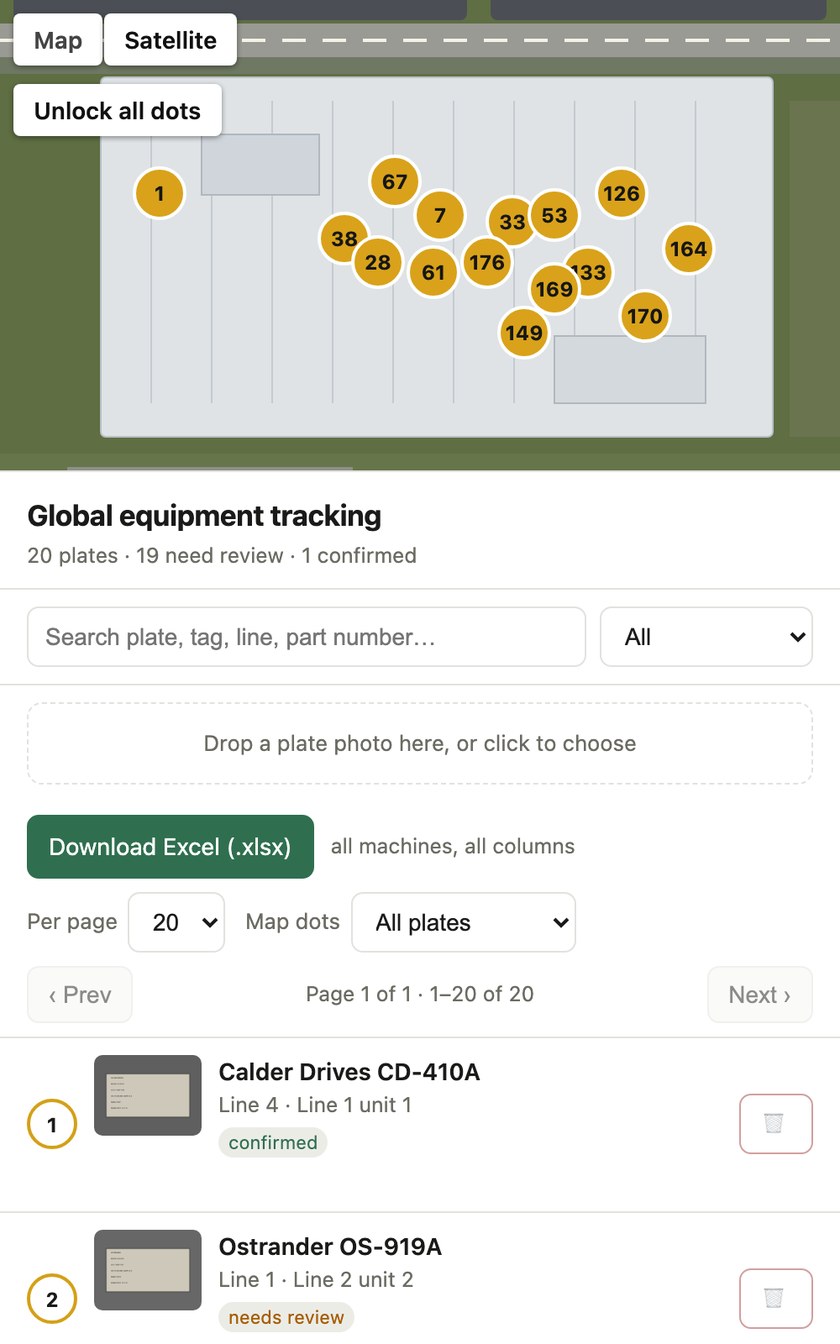
Photograph the nameplate of any machine and the tool reads it, places the machine on a map of its site and queues it for review, then exports the full list to a spreadsheet. A person confirms each entry.
You always know when you are talking to an agent. A person approves every purchase and every quote.
A short call to pick one narrow job, and how we would measure it.